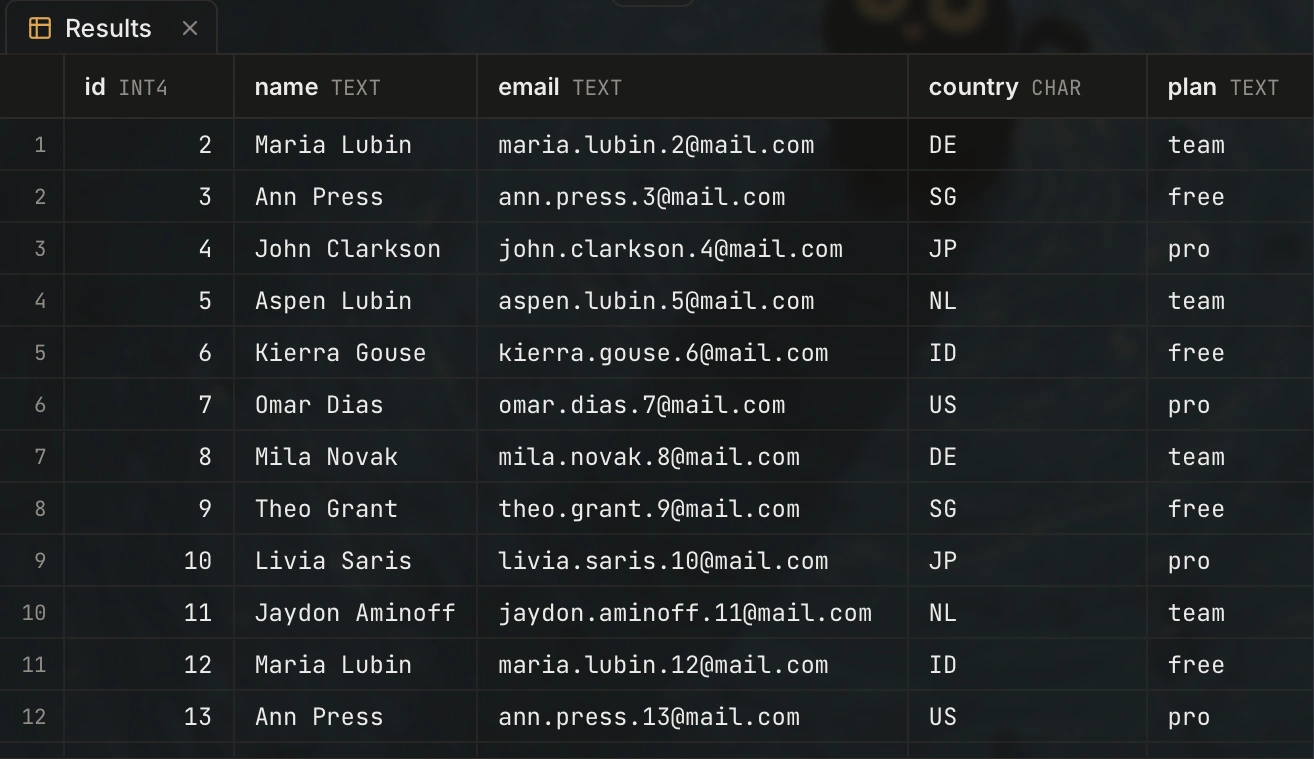
Edit rows in the grid
Double-click a cell to edit it. Save applies all row changes in one transaction. The grid loads more rows as you scroll.
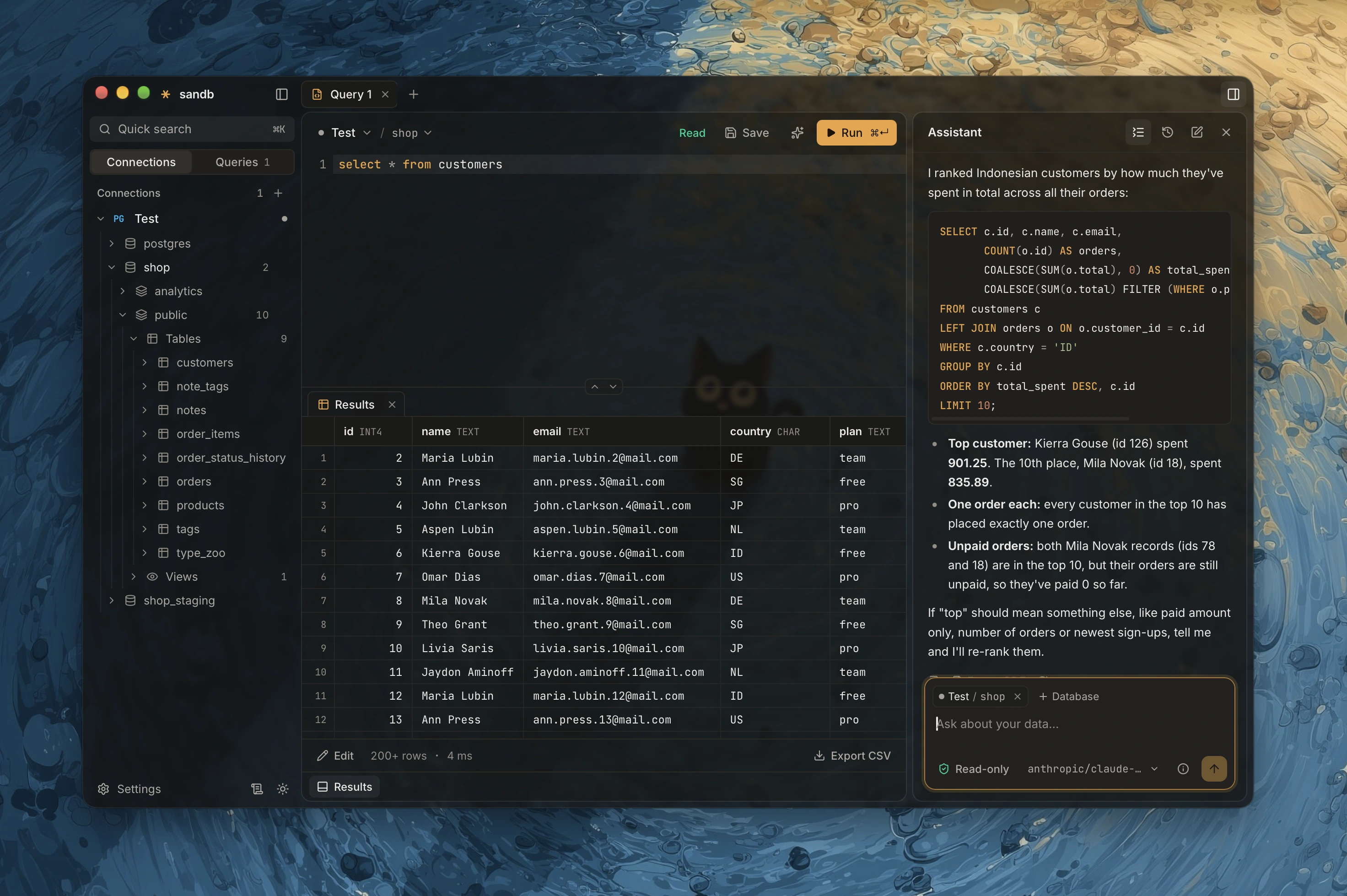
Ask about your data in plain words. sandb reads the schema, writes the SQL, and asks before it changes anything.
Connects to your databases and to the model you choose
AI assistant
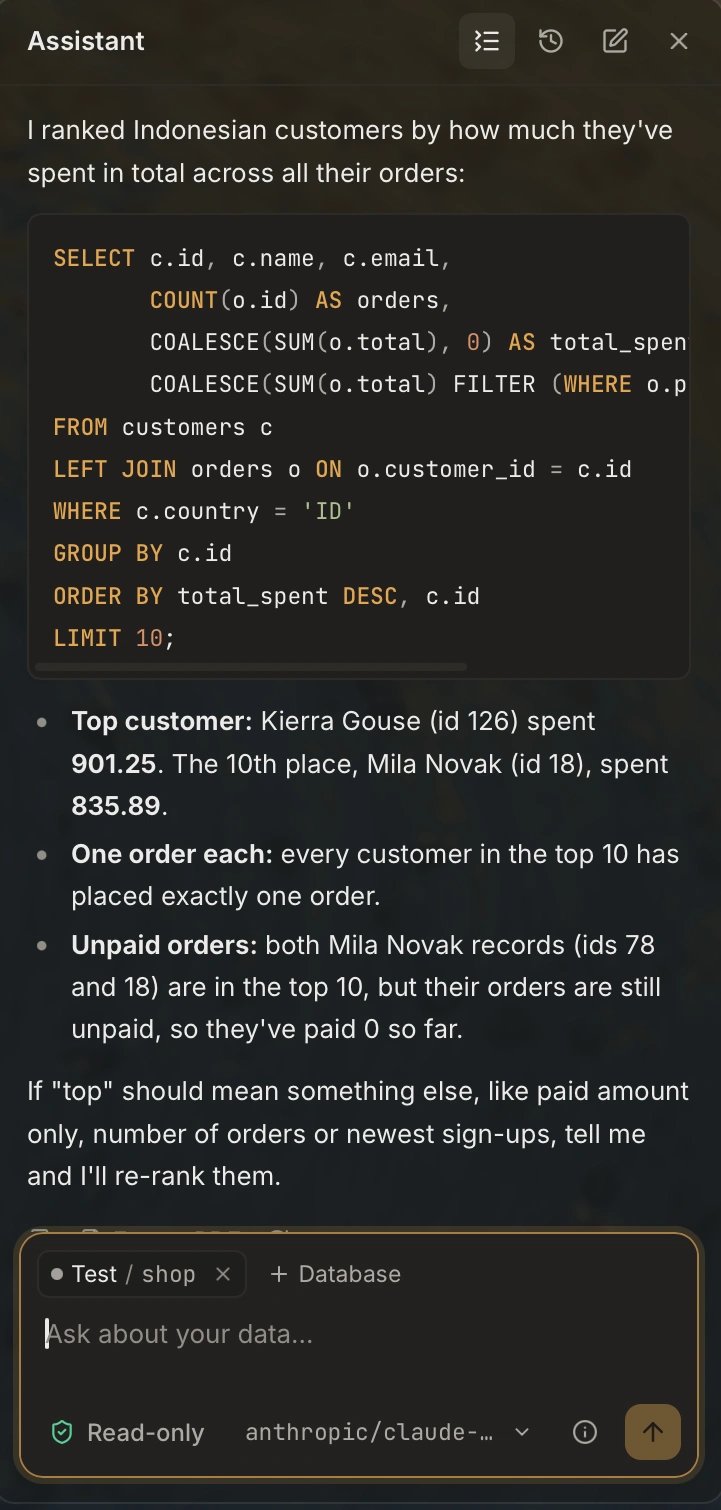
The assistant writes the SQL, runs it, and shows each step. Open any step to see the query, put it in the editor, or run it again.
Double-click a cell to edit it. Save applies all row changes in one transaction. The grid loads more rows as you scroll.
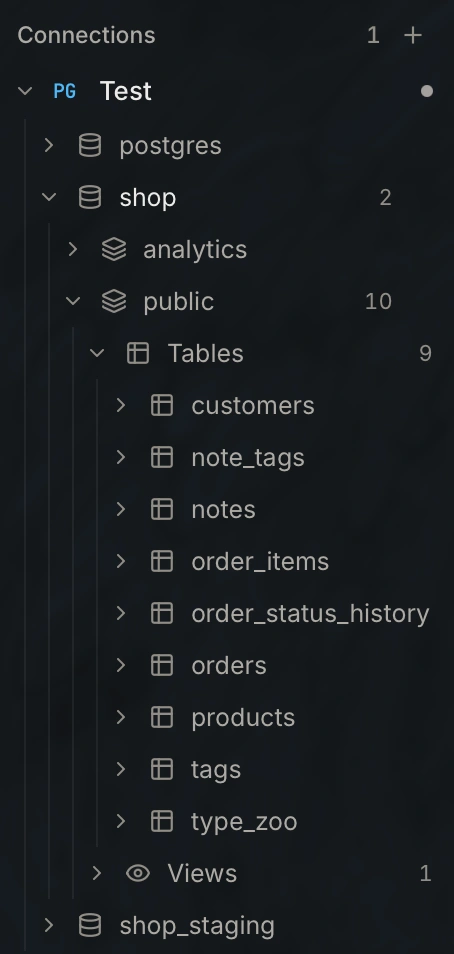
Tables, views and materialized views sit in separate folders, each with its count.
Columns complete in context. With two matching columns, the editor adds the alias.
select o.id, c.name
from orders o
join customers c
on c.id = o.customer_idAdd or change columns, constraints, foreign keys and indexes. Each dialog shows the SQL before it runs.
The assistant reads through a guard. A change to your data needs your click.
Give each connection its environment. On production, sandb asks you to confirm dangerous changes.
Mark a connection as read-only when you only need to look at the data.
The approval card shows the SQL, the connection, the statement type and the approximate row count.
Send the model the column names and the row count, but no row values.
Passwords and the API key are in an encrypted file. Its key is in the credential store of your system.
Use OpenAI, Anthropic, or any server with the same API. In Settings, set the provider, the base URL, the model and the API key.
OpenAI, OpenRouter
Anthropic

Builds for Apple Silicon and Intel Macs. sandb finds new versions and asks before it installs them.
Or build it from source with Rust and pnpm:
$ pnpm install
$ pnpm tauri build